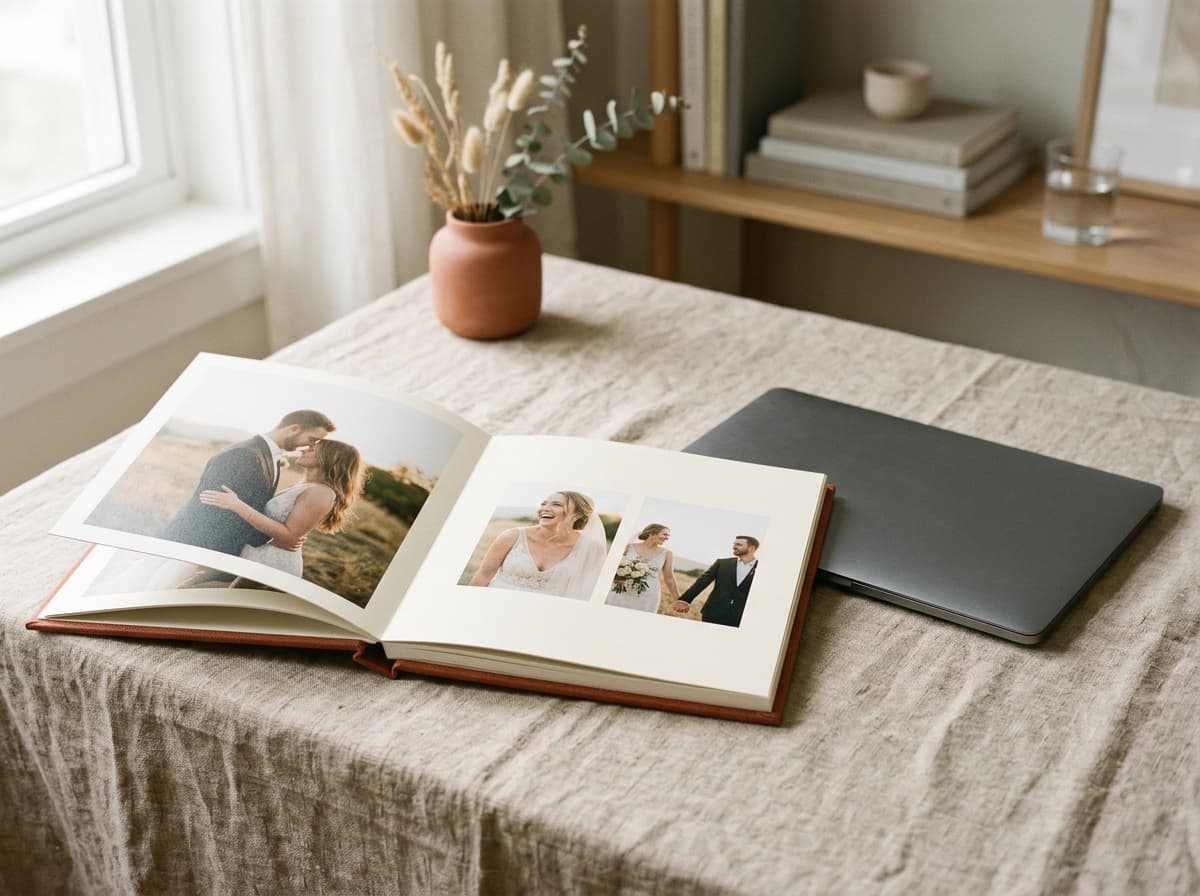
An AlbumStomp alternative with no desktop app.
Fast, drag-and-drop album design, moved into the browser. Designer templates, smart snapping and a print-ready PDF you own, for one flat monthly price.
3-day free trial · Cancel anytime before day 4
Speed was the point. It still is.
AlbumStomp built its reputation on speed: get a rough album down fast, then refine. That instinct is right. Photographers do not get paid to nudge rectangles, they get paid to choose the images that tell the story and move on.
Cuppafolio keeps the speed and removes the desktop. It is a browser-based album designer where designer templates and smart snapping do the alignment for you, and the output is a print-ready PDF you own. Nothing to install, nothing tied to one machine, and one flat price whatever the season looks like.
The difference is in what we deliberately leave out.
A narrow tool, an honest deal, and a file that is genuinely yours.
Smart guides do the fiddly part
Guides snap to bleed, gutter, centre and neighbouring photos, so spreads stay aligned and balanced without endless pixel-nudging.
It runs in the browser
No installer, no licence keys, no per-machine setup. Open Cuppafolio in any modern browser and your work is exactly where you left it, on any computer.
One flat price
From £19 a month, busy season or quiet. No counting albums, no metered exports, nothing to reconcile at the end of the month.
Fast layout, balanced spreads, no pixel-nudging
Drop your selects onto a designer template and Cuppafolio's guides take over: images snap to bleed, to the gutter, to the centre line and to each other, so spacing stays even and the spread stays balanced. The fast first pass you expect is still there, the cleanup afterwards mostly is not.
When the album is done, one click produces a press-ready PDF at 300 DPI with 3 mm bleed and embedded fonts. Send it to your lab and you are finished.
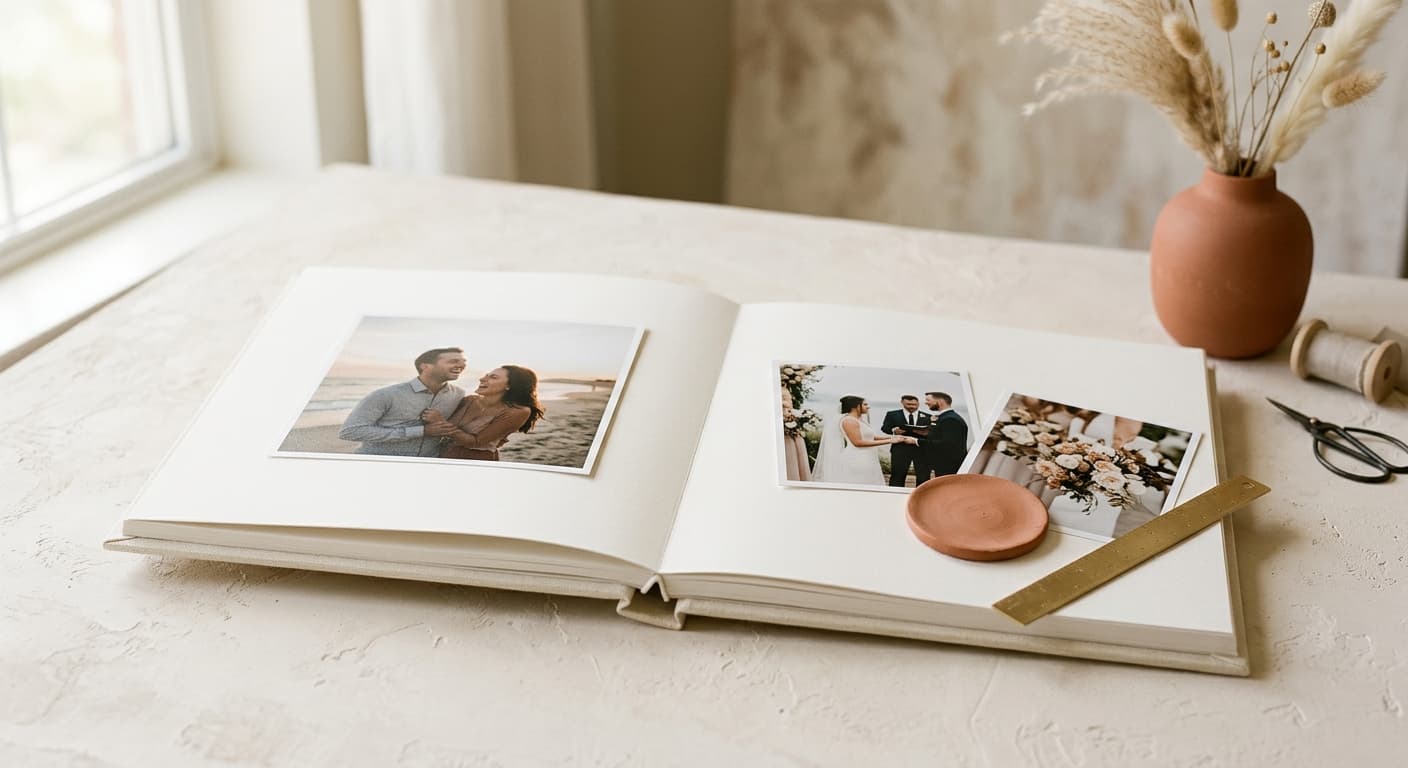
When the desktop tool stops fitting your studio
The album step should be the fun part. Too often the tooling gets in the way.
Designing only ever works on the one machine it is installed on
Swapping computers means reinstalling and re-licensing
You want the speed without owning a software headache
A focused tool that does the album job brilliantly.
Everything you need for the album, nothing you don't, and the finished file is always yours.
No installs
Open a tab. Start designing.
No 4 GB download, no licence dongle, no “it only works on the office Mac”. Cuppafolio runs in any modern browser, so your albums follow you between machines.
Smart templates
Designer spreads, ready to fill.
Start from a layout you love and drop in your selects. Smart guides snap to bleed, gutter, centre and neighbours, so every page is balanced, every time.
Print-ready PDF
300 DPI. 3 mm bleed. Yours.
One click and a press-ready PDF lands in your downloads: 300 DPI, sRGB, embedded fonts, optional crop marks. No watermark, no expiry, no per-album unlock fee.
Flat pricing
One monthly price. No per-album fees.
From £19/month. Design as many albums as your plan allows for the same price every month, with no surprise charge when a busy season hits.
Cuppafolio vs AlbumStomp
The honest differences that matter when you are choosing where to design your albums.
| Feature | Cuppafolio | AlbumStomp |
|---|---|---|
| Where you design | Any modern browser, with the same drag-and-drop instinct AlbumStomp made popular | Desktop app for macOS / Windows |
| Getting started | Open a tab, drag selects in from Finder or Explorer, start designing in under a minute | Download and install per machine |
| Pricing model | Flat monthly from £19, with no per-album fees | Check the vendor's current pricing |
| The finished file | Drag-fast in, print-ready PDF out — and the PDF is yours to send to any album lab | Exports files for printing |
| Your existing stack | Sits beside Pixieset, Pic-Time, ShootProof and HoneyBook | Standalone album designer |
| Free trial | 3-day free trial, cancel anytime before day 4 | Check the vendor's current trial |
Comparison reflects publicly available information about the other product and was last reviewed in May 2026. Always check the vendor's own site for current features and pricing. Cuppafolio is not affiliated with or endorsed by any product named here.
Moving from AlbumStomp to Cuppafolio
Changing album software sounds disruptive, but the job itself does not change: you still choose spreads from designer templates, drop in your selects, and export a file for your lab. What changes is where that happens and what you walk away with.
Because everything lives in the browser, there is nothing to migrate, install or re-license. You sign in, design, and export a print-ready PDF you own. Here is what photographers tell us actually changes the day they move off AlbumStomp.
- Same fast, drag-and-drop instinct, now in any browser
- Nothing to reinstall when you change or add a computer
- Flat monthly pricing instead of per-machine software
- A print-ready PDF you own and print at any lab
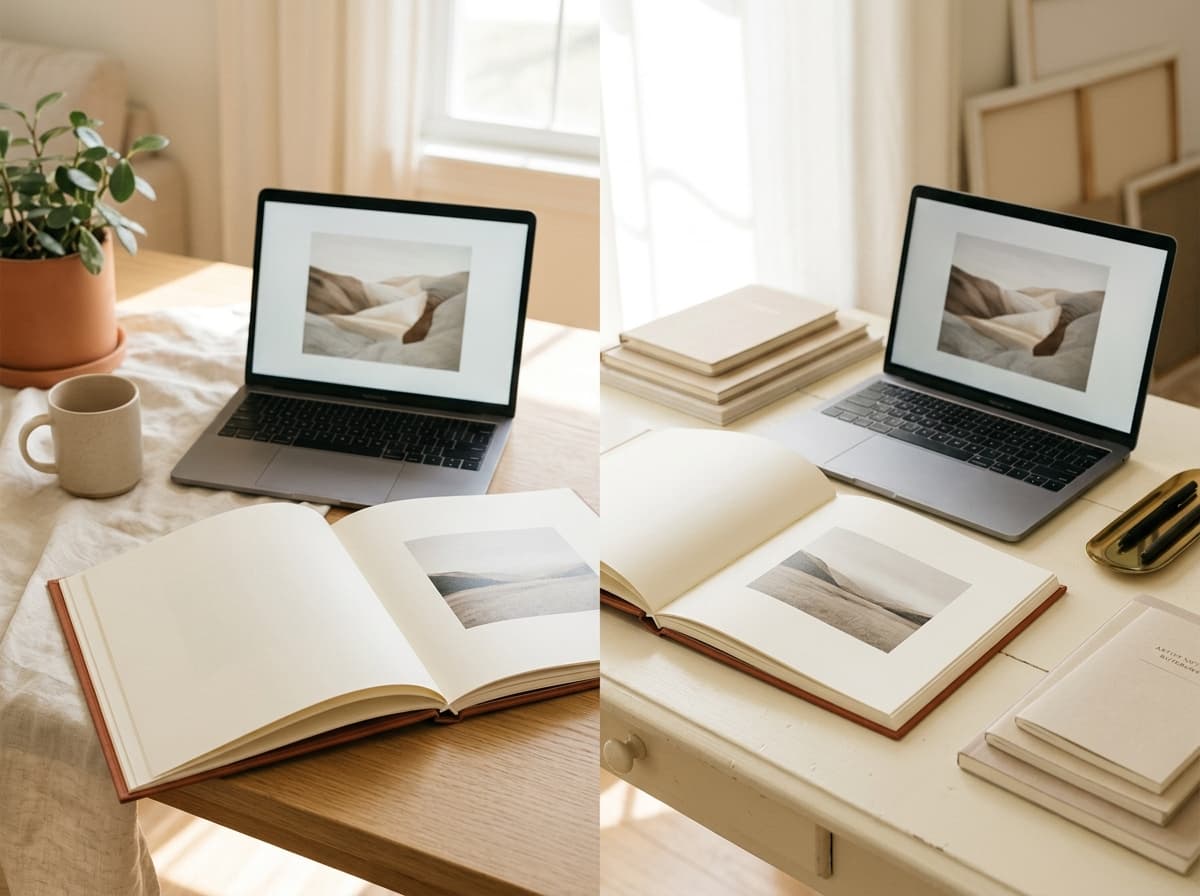
Fast album design, in the browser
- Drag selects straight into the editor from Finder or Explorer
- Smart snapping the moment you drop a photo onto a template
- Templates designed for the same fast, drop-and-place feel
- 300 DPI print-ready PDF exports straight from the browser
- Studio iMac and home laptop work on the same album without exports
- Flat monthly pricing from £19, no per-album fees, no per-machine licence
“We switched the whole studio over in a week. Everyone designs in the browser, the files are ours, and the bill is the same every month. Easy decision.”
Good questions, straight answers.
Is it still drag-and-drop fast?
Yes — that is the design intent. Templates plus smart snapping mean you are placing selects, not nudging pixels. Most photographers find a full album fits a single sitting, with the same template-driven speed AlbumStomp made popular.
Will my keyboard shortcuts and muscle memory carry over?
The editor is different software, so specific key combinations differ. The instincts you have built up around AlbumStomp — drag a select, drop it on a template slot, let snapping handle the alignment — all translate directly to Cuppafolio because the underlying interaction model is the same.
Can I open AlbumStomp project files?
No. Vendor project files are not interchangeable. You re-import the final selects into a fresh Cuppafolio project; the templates do the alignment work, so the album takes one focused session even starting over.
What about my Pixieset / SmugMug integration with AlbumStomp?
Cuppafolio does not directly integrate with gallery platforms (intentionally — we do one job). You export your selects from your gallery tool as you would today, drag them into a Cuppafolio project, and design from there. Galleries stay where they are.
Do I own the album PDF I export from Cuppafolio?
Yes. Every PDF is a standard print-ready file at 300 DPI with no watermark, no per-album unlock and no fulfilment lock. Send it to whichever album lab you already use — we are not a print lab and have nothing to fulfil.
Can my whole team use it?
Anyone you give access to can design from their own browser, on whatever computer they have. There is nothing to install per person and no per-seat licence to track.
More ways Cuppafolio fits your studio
Other album-design solutions photographers weigh up alongside this one.
Design an album in your browser today
Free 3-day trial, cancel anytime before day 4, no install. Build a real album and export the PDF.
3-day free trial · Cancel anytime before day 4