An InAlbum alternative that runs anywhere you do.
Album design without the Windows-only desktop install. Cuppafolio works in any browser, gives you a print-ready PDF you own, and charges one flat monthly price.
3-day free trial · Cancel anytime before day 4
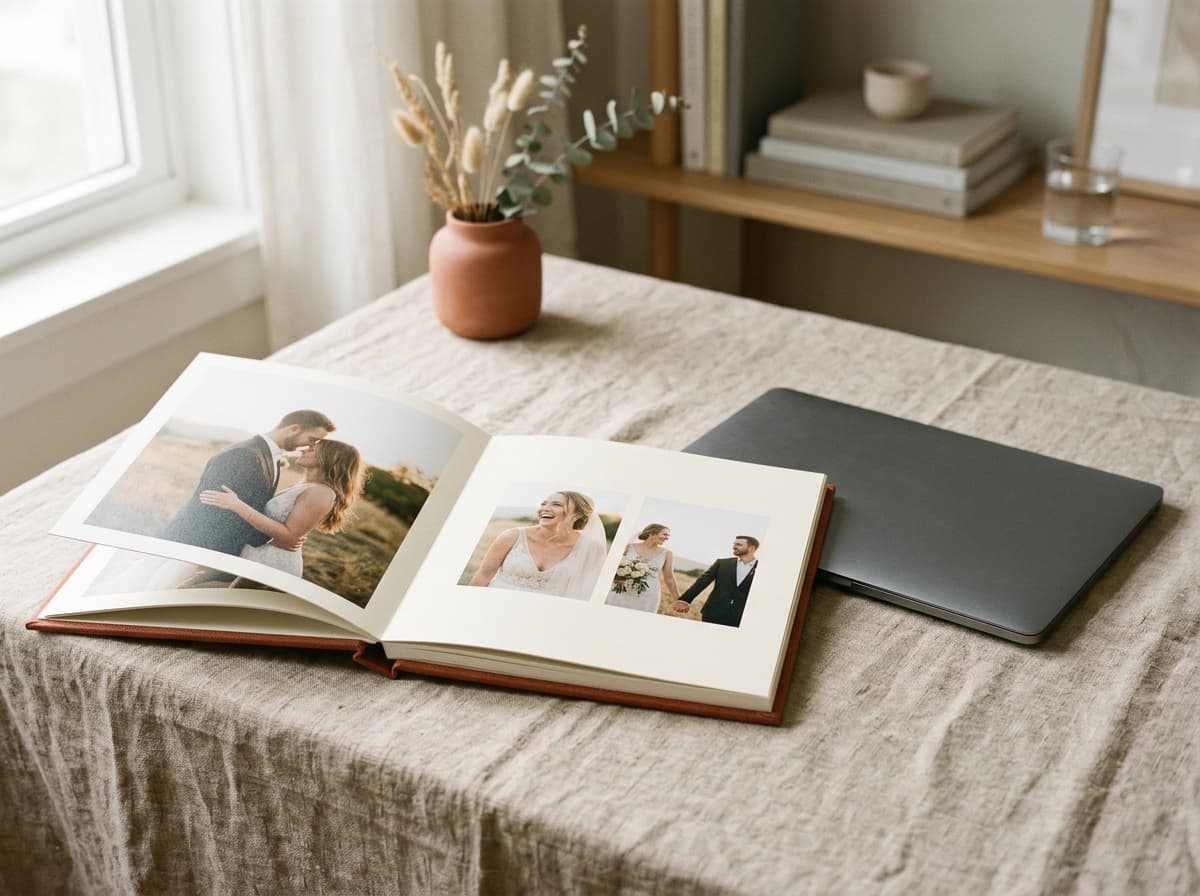
Print-ready PDF
300 DPI · 3 mm bleed · sRGB
A cross-platform InAlbum alternative
InAlbum is a desktop application, and a desktop application always comes with the same quiet conditions: it lives on one operating system, on one machine, with an installer and updates to keep on top of. For photographers who move between a studio machine and a laptop, that is a daily friction.
Cuppafolio removes the platform question entirely. It is a browser-based album designer, so Windows, macOS, ChromeOS and Linux are all simply the computer you happen to be on. Designer templates, smart snapping and a print-ready PDF you own come standard, for one flat monthly price.
Reasons to move off a desktop installer
The album step should be the fun part. Too often the tooling gets in the way.
Locked to one operating system and one machine
Installer, updates and licence keys to babysit
You want the album file in your hands, not in a print pipeline
A focused tool that does the album job brilliantly.
Everything you need for the album, nothing you don't, and the finished file is always yours.
No installs
Open a tab. Start designing.
No 4 GB download, no licence dongle, no “it only works on the office Mac”. Cuppafolio runs in any modern browser, so your albums follow you between machines.
Smart templates
Designer spreads, ready to fill.
Start from a layout you love and drop in your selects. Smart guides snap to bleed, gutter, centre and neighbours, so every page is balanced, every time.
Print-ready PDF
300 DPI. 3 mm bleed. Yours.
One click and a press-ready PDF lands in your downloads: 300 DPI, sRGB, embedded fonts, optional crop marks. No watermark, no expiry, no per-album unlock fee.
Flat pricing
One monthly price. No per-album fees.
From £19/month. Design as many albums as your plan allows for the same price every month, with no surprise charge when a busy season hits.
The computer stops mattering
Because Cuppafolio runs in the browser, the only requirement is a modern browser and a login. Design on the studio desktop in the morning, pick the same album up on a laptop that evening, and nothing has to sync or transfer because the work was never tied to a device.
That portability does not cost you anything at the output stage. Exports are full 300 DPI, sRGB, 3 mm bleed PDFs with embedded fonts, ready for any professional album lab.
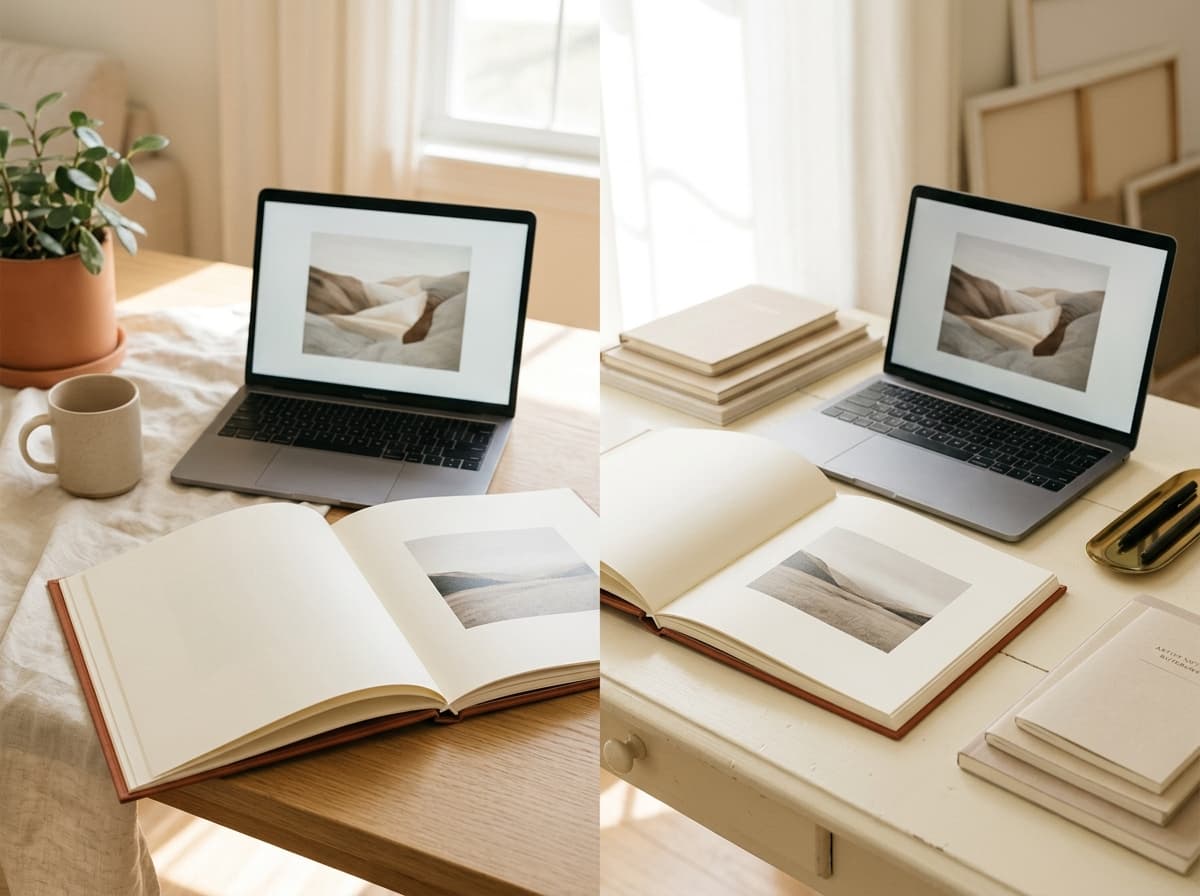
Cuppafolio vs InAlbum
The honest differences that matter when you are choosing where to design your albums.
| Feature | Cuppafolio | InAlbum |
|---|---|---|
| Where you design | Any browser on Mac, Windows, ChromeOS or Linux — no OS lock-in either way | Desktop app (Windows / macOS) |
| Getting started | Sign in once on any computer; no Windows install, no .exe to whitelist with IT | Download and install per machine |
| Pricing model | Flat monthly subscription with no licence-move dance when machines change | Licence (check current pricing) |
| The finished file | Print-ready PDF you own at 300 DPI and 3 mm bleed, for any lab | Exports files for printing |
| Your existing stack | Sits beside Pixieset, Pic-Time, ShootProof and HoneyBook | Standalone album designer |
| Free trial | 3-day free trial, cancel anytime before day 4 | Check the vendor's current trial |
Comparison reflects publicly available information about the other product and was last reviewed in May 2026. Always check the vendor's own site for current features and pricing. Cuppafolio is not affiliated with or endorsed by any product named here.
Moving from InAlbum to Cuppafolio
Changing album software sounds disruptive, but the job itself does not change: you still choose spreads from designer templates, drop in your selects, and export a file for your lab. What changes is where that happens and what you walk away with.
Because everything lives in the browser, there is nothing to migrate, install or re-license. You sign in, design, and export a print-ready PDF you own. Here is what photographers tell us actually changes the day they move off InAlbum.
- No Windows-only requirement and no installer to maintain
- Design from any computer with a browser and a login
- Flat monthly pricing in place of desktop licensing
- A print-ready PDF you own, for any album lab
The difference is in what we deliberately leave out.
A narrow tool, an honest deal, and a file that is genuinely yours.
It runs in the browser
No installer, no licence keys, no per-machine setup. Open Cuppafolio in any modern browser and your work is exactly where you left it, on any computer.
You own the export
Every album leaves as a print-ready PDF with no watermark and no per-album unlock fee. It is a real deliverable you keep, not a file held hostage.
One flat price
From £19 a month, busy season or quiet. No counting albums, no metered exports, nothing to reconcile at the end of the month.
What you get with Cuppafolio
- Runs in any modern browser on Windows, Mac, ChromeOS or Linux
- No Windows installer, no .exe approval, no IT-ticket onboarding
- Picks up the same album on the studio PC, a home laptop or a Mac
- Print-ready PDF you own at 300 DPI sRGB for any album lab
- Smart snapping keeps spreads consistent across long Windows-era projects
- Flat monthly pricing from £19, no per-machine licence
“No more emailing files back and forth, no more 'which version is this'. Cuppafolio lives in the browser and the PDF is mine. That's it. That's what I needed.”
Good questions, straight answers.
I'm coming from InAlbum on Windows — does anything change at the lab?
No. Cuppafolio exports the same 300 DPI, sRGB PDF with 3 mm bleed your lab expects, just from a browser tab instead of an InAlbum install. Your album supplier does not need to know which tool produced the file.
Can I open an in-progress InAlbum project in Cuppafolio?
No, project files are not interchangeable between vendors. You re-import the final selects into a Cuppafolio project and lay them out from templates here. Because templates plus smart snapping handle the alignment, a typical album takes a single sitting even starting over.
Will my Windows-based studio workflow change?
Less than you would expect. You drop selects in from Explorer, choose a template, place images and export. The only structural change is that you can also do it from a laptop, a home PC or a colleague's machine by signing into the same account.
Do I own the exported album file?
Yes. Every export is a standard print-ready PDF at 300 DPI with 3 mm bleed, sRGB colour and embedded fonts. There is no watermark, no per-album unlock fee and no fulfilment lock. The file is yours to send to any lab, archive, or hand to the client.
How does the 3-day free trial work after years on InAlbum?
You add a card and pick a plan to start the trial. Spend the three days laying out one real album with your actual selects and export the un-watermarked PDF before day 4 — that is the test that matters. Cancel anytime before day 4 to avoid the charge, and any PDF you exported stays yours.
Do I need a particular operating system?
No. Any current browser on Windows, macOS, ChromeOS or Linux works. There is nothing to install and no platform-specific build to choose.
Where are my albums stored if there is no app?
Your projects live in your Cuppafolio account, so signing in on any computer brings them back exactly as you left them. Exported PDFs download to whichever machine you are on, and stay yours.
More ways Cuppafolio fits your studio
Other album-design solutions photographers weigh up alongside this one.
Switch to browser album design
Free 3-day trial, cancel anytime before day 4. Export a real print-ready PDF and compare for yourself.
3-day free trial · Cancel anytime before day 4