
Print-ready PDF
300 DPI · 3 mm bleed · sRGB
Album design software for Mac with no app to install.
Skip the installer, the licence move and the macOS upgrade roulette. Cuppafolio runs in Safari and Chrome on every modern Mac, and your projects follow you between machines because they live in your account, not on the disk.
3-day free trial · Cancel anytime before day 4
Album design software for Mac, minus the desktop app
Mac users are usually well served by album software, so the question is not whether it runs, but whether you still want an installed app at all. Even on macOS, a desktop tool pins your work to one machine, breaks at the worst time after an OS update, and adds a licence to manage per device.
Cuppafolio is album design software for Mac that skips all of that. It runs in Safari or Chrome with nothing to install, the same project opens on your studio Mac or your laptop, and the export is a full print-ready PDF you own.
Your Mac, without the maintenance
Running in the browser means the next macOS release is not a risk to your workflow and there is no app to reinstall when you move to a new machine. You sign in and the work is there.
None of that costs you capability. Designer templates, precise snapping and a genuine 300 DPI print-ready PDF are all exactly as you would expect from a professional album tool.
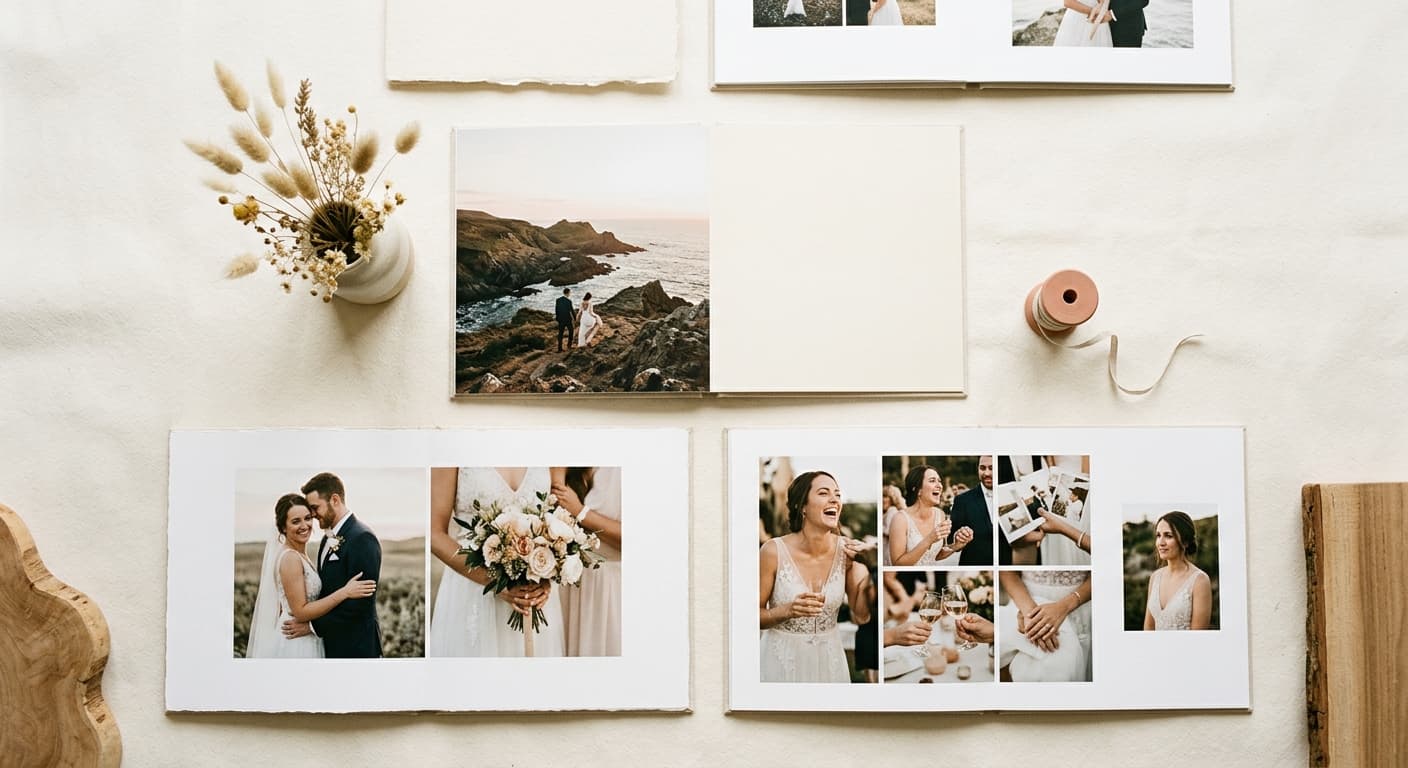
A focused tool that does the album job brilliantly.
Everything you need for the album, nothing you don't, and the finished file is always yours.
No installer ever
Safari or Chrome and you are designing.
There is no native Mac app to download, notarise or update. Cuppafolio runs in the browser, so every macOS upgrade just works without waiting for a vendor patch or a paid version bump.
Mac to Mac
The same album on every Mac you own.
Your projects live in your account, not on disk. Pick up a wedding album on the studio iMac, finish two spreads on the train from the MacBook, all from the same browser tab.
Print-ready PDF
300 DPI. 3 mm bleed. Yours.
One click and a press-ready PDF lands in your downloads: 300 DPI, sRGB, embedded fonts, optional crop marks. No watermark, no expiry, no per-album unlock fee.
Flat pricing
One monthly price. No per-album fees.
From £19/month. Design as many albums as your plan allows for the same price every month, with no surprise charge when a busy season hits.
What slows down a Mac album studio
The album step should be the fun part. Too often the tooling gets in the way.
Installed album apps that lag behind every macOS upgrade until the vendor catches up
Per-Mac activation, licence-move dances and Universal Binary choices for Intel vs Apple Silicon
Project files trapped on the studio iMac when you want to keep designing from a MacBook on the road
The difference is in what we deliberately leave out.
A narrow tool, an honest deal, and a file that is genuinely yours.
It runs in the browser
No installer, no licence keys, no per-machine setup. Open Cuppafolio in any modern browser and your work is exactly where you left it, on any computer.
You own the export
Every album leaves as a print-ready PDF with no watermark and no per-album unlock fee. It is a real deliverable you keep, not a file held hostage.
One flat price
From £19 a month, busy season or quiet. No counting albums, no metered exports, nothing to reconcile at the end of the month.
How album design on a Mac works in Cuppafolio
The flow is deliberately short. There is no setup project, no render queue and no export wizard to fight. Getting from your selects to a file your lab accepts is a handful of steps.
- Open Safari or Chrome on macOS
- Sign in and pick a designer template
- Drop in selects; snapping aligns every spread
- Export a print-ready PDF for any album lab
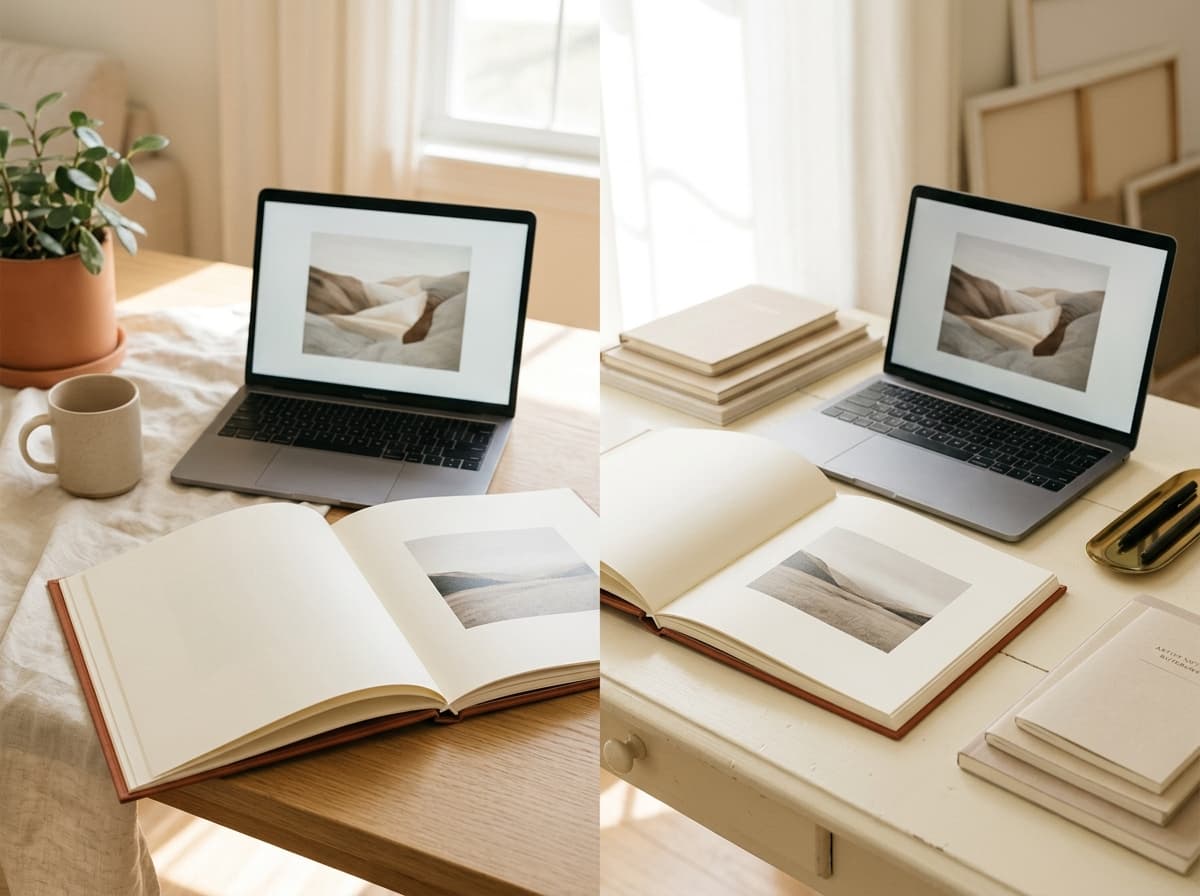
What macOS photographers actually need
- Works in current Safari and Chrome on macOS
- Identical experience on Intel and Apple Silicon Macs, with no Rosetta
- No per-Mac licence keys, no notarisation prompts, no version migrations
- Switch from iMac to MacBook to studio Mac without exporting a project file
- Drag selects in directly from Finder, no separate import step
- One predictable monthly price from £19, with a real 3-day free trial
“I designed a 40-page wedding album in an afternoon, exported a PDF, and sent it straight to my usual lab. The whole thing felt lighter than any tool I'd used before.”
Good questions, straight answers.
Does it work on Apple Silicon (M1, M2, M3, M4) Macs?
Yes, identically. Because Cuppafolio runs in the browser, the Mac's processor is irrelevant. There is no Rosetta translation, no separate Apple Silicon build to wait for, and no performance gap between Intel and Apple Silicon machines.
Can I switch between my studio Mac and a MacBook mid-album?
Yes, and it is one of the most-cited reasons photographers move to Cuppafolio. Projects live in your account, not on the machine, so you open the same album on any Mac by signing in. No project-file sync, no AirDrop dance, no 'which version is this'.
Will the print-ready PDF open in Preview and pass my lab?
Yes. The export is a standard PDF at 300 DPI in sRGB with 3 mm bleed, embedded fonts and optional crop marks. It opens cleanly in Preview, Adobe Acrobat or anything else, and is the spec every major album lab expects.
Do I need to manage a licence when I get a new Mac?
No. There is no licence file to migrate, no machine ID to deactivate. You sign in on the new Mac and your projects are there. That is one fewer upgrade headache most desktop album apps still own.
Is the 3-day free trial real?
Yes. You add a card and pick a plan to start the trial, and the full editor and template library are available. Export a real, un-watermarked print-ready PDF during the three days to test against your lab, and cancel anytime before day 4 to avoid the charge. Any PDF you exported stays yours.
Does it run in Safari?
Yes, Cuppafolio runs in current versions of Safari and Chrome on macOS. There is no app to install and no licence to move between Macs.
Will a macOS update break it?
Because it runs in the browser rather than as an installed app, OS updates do not put your album workflow at risk the way a desktop application can.
More ways Cuppafolio fits your studio
Other album-design solutions photographers weigh up alongside this one.
Design an album on your Mac today
Free 3-day trial, cancel anytime before day 4, no install. Lay out a real album in Safari and export a print-ready PDF for your lab.
3-day free trial · Cancel anytime before day 4