Album design software for Windows, no install, no Mac required.
Album software has a Mac problem. The best-known tools are Mac-first or Mac-only, and that turns into hardware you do not want and workarounds you should not need. Cuppafolio runs in the browser, so any modern Windows PC is a full album studio.
3-day free trial · Cancel anytime before day 4
Print-ready PDF
300 DPI · 3 mm bleed · sRGB
Album design software for Windows, without the workarounds
A surprising amount of album software is built Mac-first, and Windows photographers feel it: a clumsy port, a feature gap, or worst of all, a virtual machine just to run the tool that designs the album. None of that has anything to do with making good books.
Cuppafolio is album design software for Windows in the most direct sense: it runs in Chrome, Edge or Firefox on Windows 10 or 11 with nothing to install. The Windows machine you already own is a complete album studio, with the same designer templates, snapping and print-ready PDF export as on any other platform.
The Windows photographer's tax
The album step should be the fun part. Too often the tooling gets in the way.
Popular album apps that are Mac-first, Mac-only, or Mac-better
Parallels, BootCamp on older hardware and other 'just to design an album' workarounds
Buying a Mac for the album step when the rest of the edit stack is already on Windows
A focused tool that does the album job brilliantly.
Everything you need for the album, nothing you don't, and the finished file is always yours.
Genuinely Windows-native
No Mac. No VM. No compromise.
Cuppafolio runs in Chrome, Edge or Firefox on Windows 10 and 11. The Mac vs Windows decision becomes irrelevant — the same browser tab does the album job either side.
PC to laptop
The same album on every Windows machine you own.
Your projects sit in your account, so the studio tower and the travel laptop work on the same album without USB sticks, OneDrive sync conflicts or 'which version is this' mishaps.
Print-ready PDF
300 DPI. 3 mm bleed. Yours.
One click and a press-ready PDF lands in your downloads: 300 DPI, sRGB, embedded fonts, optional crop marks. No watermark, no expiry, no per-album unlock fee.
Flat pricing
One monthly price. No per-album fees.
From £19/month. Design as many albums as your plan allows for the same price every month, with no surprise charge when a busy season hits.
No Mac, no virtual machine, no compromise
Because Cuppafolio runs in the browser, there is no Windows build that lags behind, no port to wait on and no need to keep a Mac around for one piece of software. You open a tab and you have the full tool.
Designer templates, snapping, lay-flat spreads and a 300 DPI print-ready PDF all behave identically on Windows, so nothing about your output is second class.
How album design on Windows works in Cuppafolio
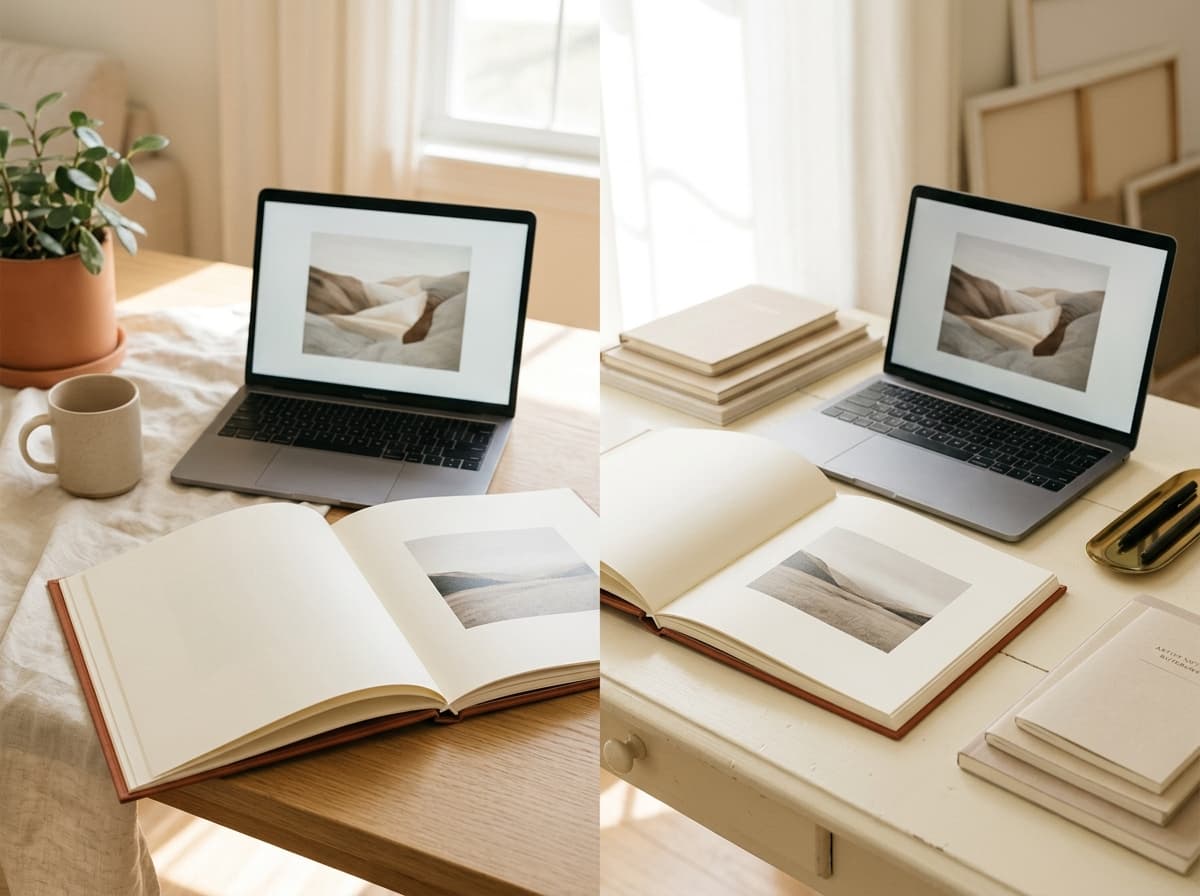
The flow is deliberately short. There is no setup project, no render queue and no export wizard to fight. Getting from your selects to a file your lab accepts is a handful of steps.
- Open Chrome, Edge or Firefox on Windows 10 or 11
- Sign in and start a project from a designer template
- Drop in your selects; smart guides handle alignment
- Export a print-ready PDF for any album lab
The difference is in what we deliberately leave out.
A narrow tool, an honest deal, and a file that is genuinely yours.
It runs in the browser
No installer, no licence keys, no per-machine setup. Open Cuppafolio in any modern browser and your work is exactly where you left it, on any computer.
You own the export
Every album leaves as a print-ready PDF with no watermark and no per-album unlock fee. It is a real deliverable you keep, not a file held hostage.
One flat price
From £19 a month, busy season or quiet. No counting albums, no metered exports, nothing to reconcile at the end of the month.
A full album studio on any Windows PC
- Works in current Chrome, Edge or Firefox on Windows 10 and Windows 11
- Windows-on-ARM laptops run it the same as x86 PCs; the browser does the heavy lifting
- Picks up the same album on the studio tower, the home PC and a travel laptop
- Print-ready PDF you own at 300 DPI, sRGB, 3 mm bleed with embedded fonts
- Send to any album lab, with no fulfilment ties to Cuppafolio
- Flat monthly pricing from £19, with a real 3-day free trial
“No more emailing files back and forth, no more 'which version is this'. Cuppafolio lives in the browser and the PDF is mine. That's it. That's what I needed.”
Good questions, straight answers.
Do I need to install anything on Windows?
No. Cuppafolio runs entirely in your browser, so any modern Windows PC works. No install, no virtual machine, no .exe to whitelist with IT, no Mac.
Does it work on Windows 10 and Windows 11?
Yes. The requirement is a current version of Chrome, Edge or Firefox, all of which run on both Windows 10 and Windows 11. There is no separate Windows build to wait for, and OS upgrades do not break the workflow.
What about Windows on ARM?
Cuppafolio works the same on Windows on ARM laptops as on Intel and AMD PCs. Because it runs in the browser, you sidestep the x86-vs-ARM application-compatibility quirks that hit desktop album software.
Can my whole Windows-based studio use the same projects?
Yes — that is what the Studio (£39/month) and Agency (£79/month) plans cover. Each photographer signs in on their own Windows machine and opens the same projects; nothing is tied to a specific PC and no project files move over OneDrive or USB.
Will the exported PDF work with the labs I already use on Windows?
Yes. The export is a standard PDF at 300 DPI in sRGB with 3 mm bleed and embedded fonts — the format every major album lab expects, irrespective of which OS produced it. We are not a print lab and we do not bundle one, so the file goes to whichever supplier you already trust.
Is the Windows experience the same as on Mac?
Yes. There is no platform-specific build, so templates, snapping, the editor and the print-ready export behave identically wherever you sign in.
More ways Cuppafolio fits your studio
Other album-design solutions photographers weigh up alongside this one.
Design albums on your Windows PC
Free 3-day trial, cancel anytime before day 4. Lay out a real album in Edge, Chrome or Firefox and export the PDF to your lab.
3-day free trial · Cancel anytime before day 4